Introducing Theming & Whitelabeling
Rekwest now lets you fully customize the look and feel of your events. With themes, you can control colors, logos, and layout elements so that everything your guests see reflects your brand, your style, or the unique identity of each event.
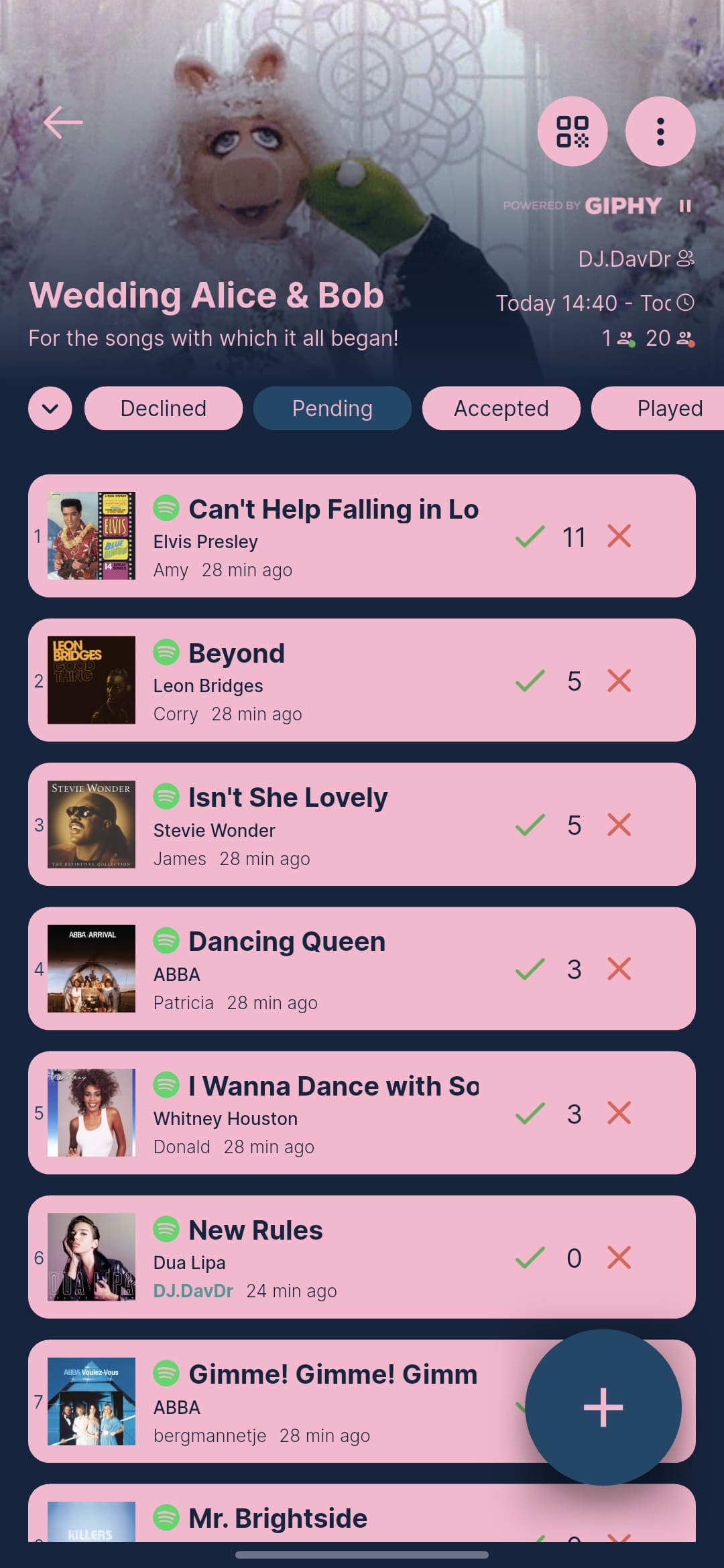
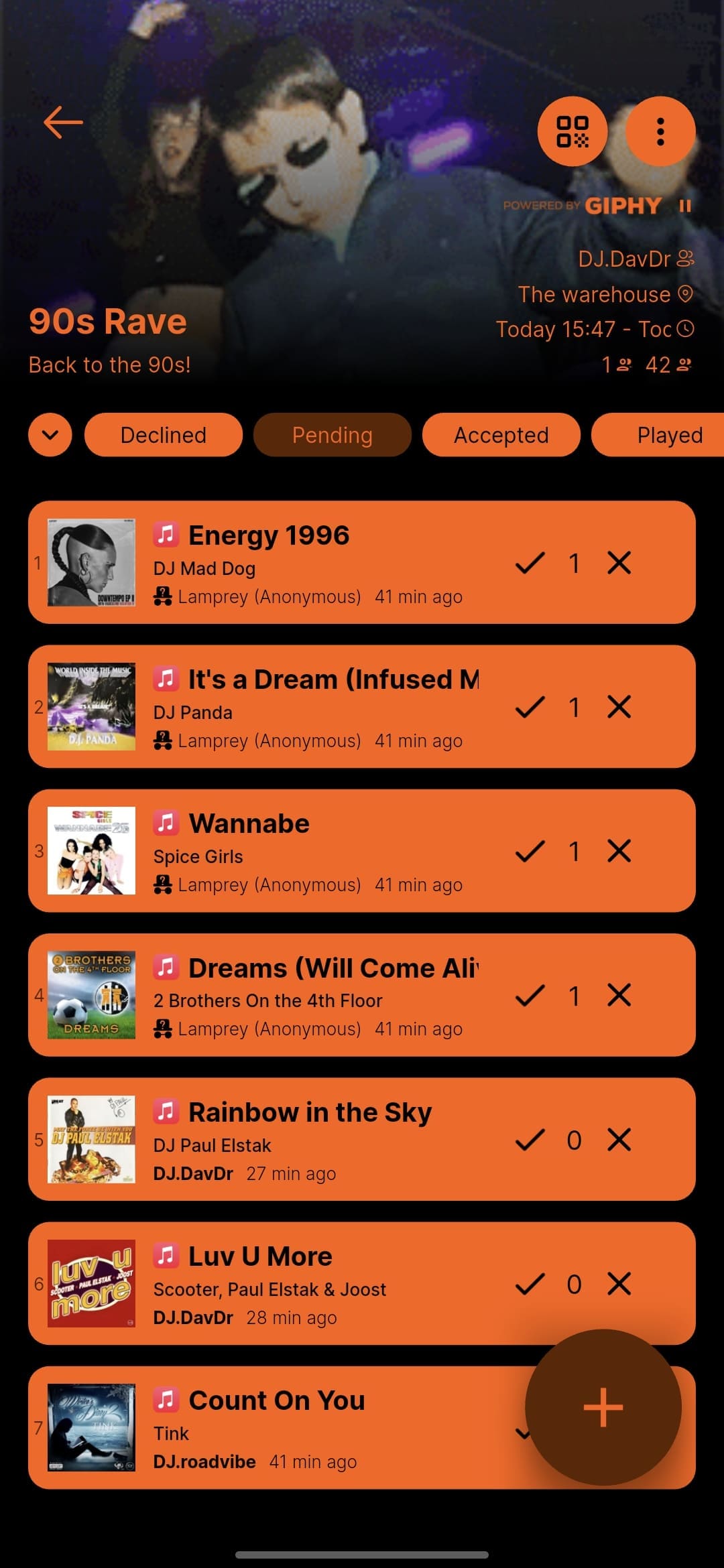
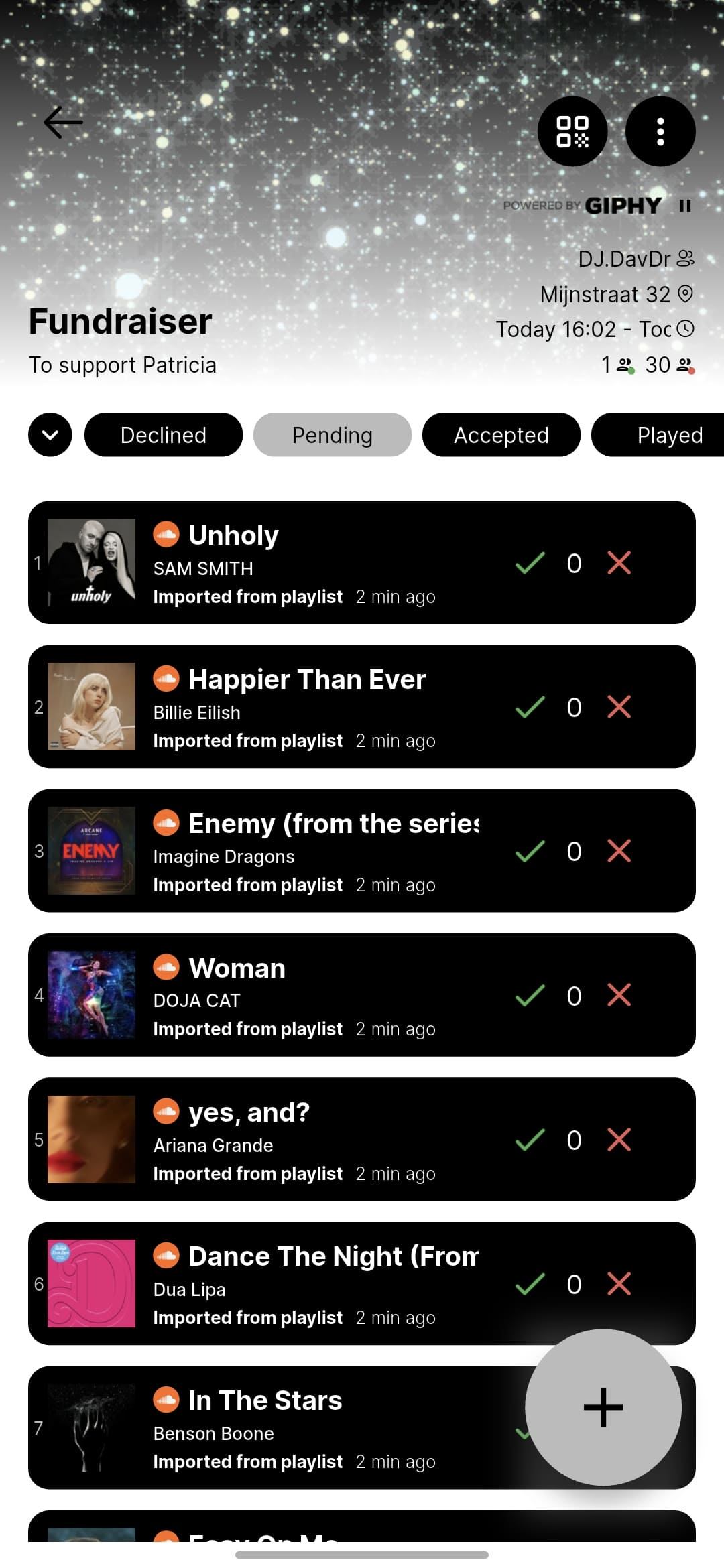
Full Color Control Across The Entire Guest Experience
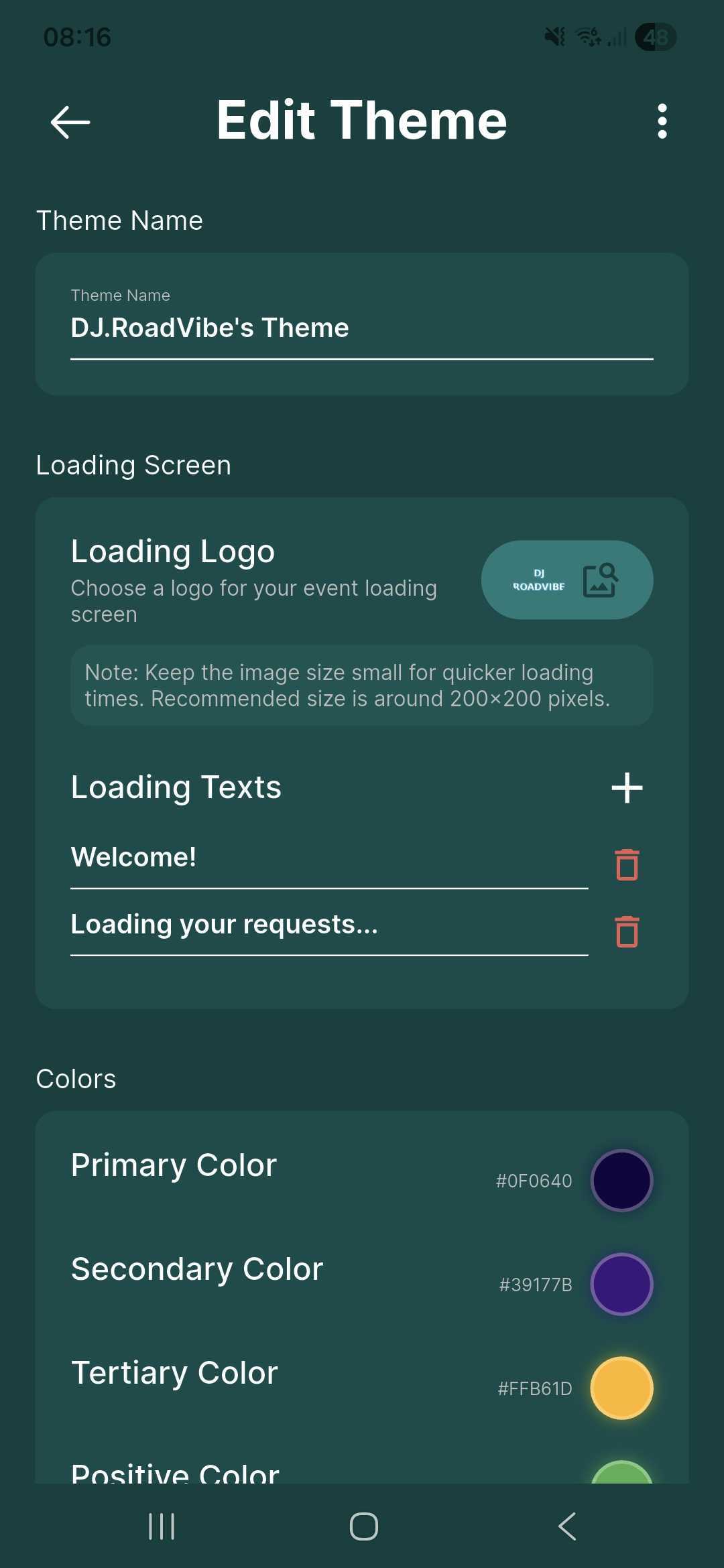
Themes give you complete control over every color guests see: primary colors, accents, backgrounds, and text. Whether you want to match your personal DJ brand, mirror a couple’s wedding palette, or follow a venue’s style guide, you can dial in exactly the right look.
Every color you set applies consistently across the entire guest-facing interface, so nothing feels out of place.
Your Logo On The Loading Screen
When guests scan your QR code, the first thing they see is a loading screen. With theming, you can upload your own logo and set a custom background color for that screen, turning an otherwise generic moment into a branded first impression.
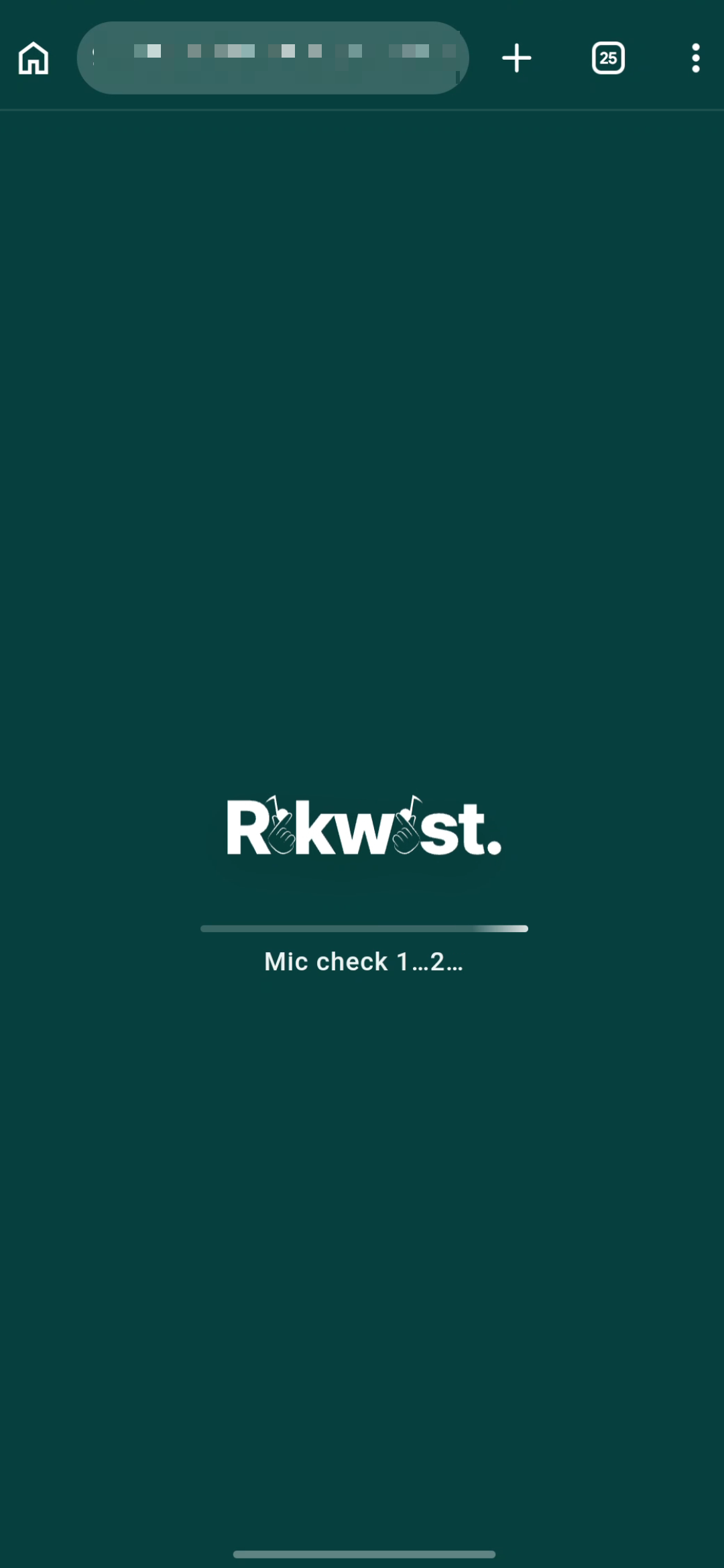
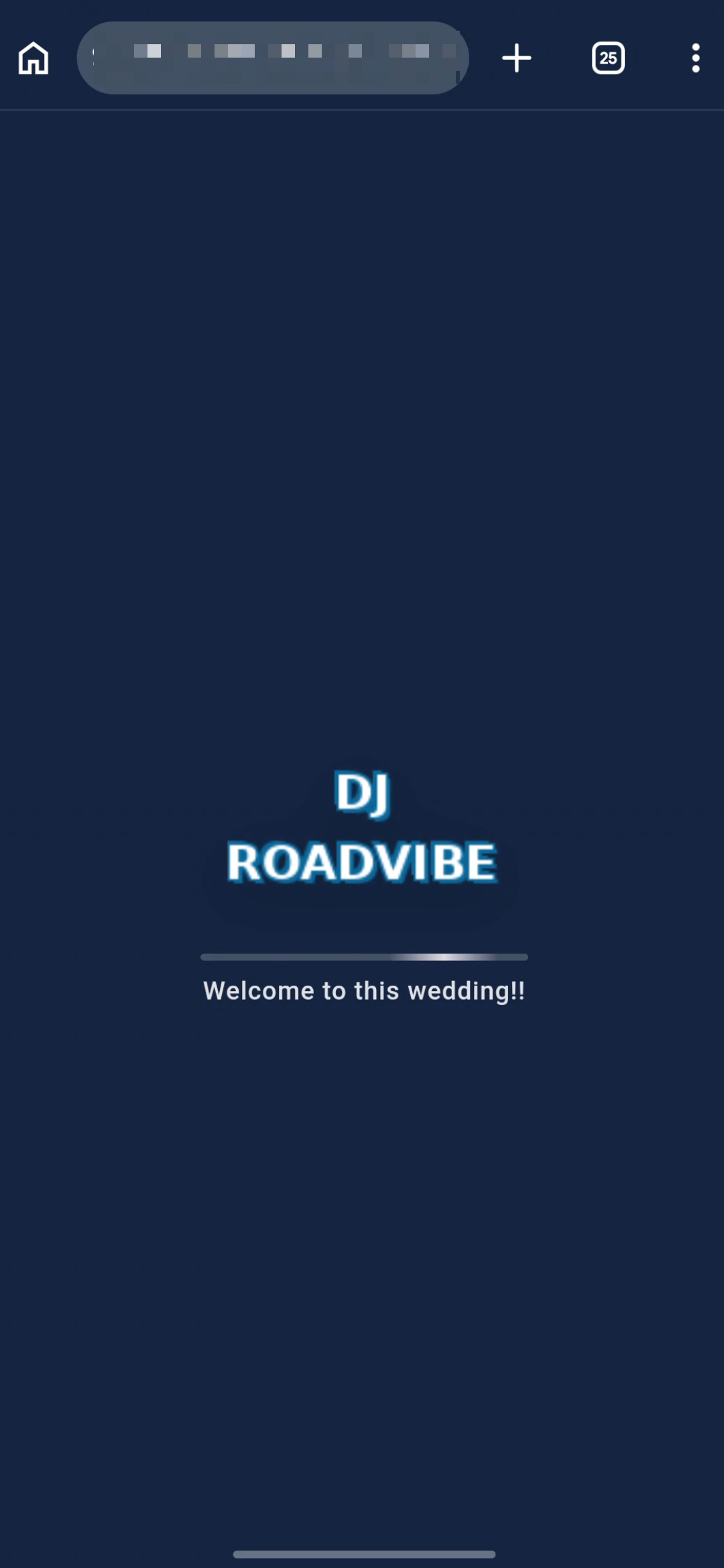
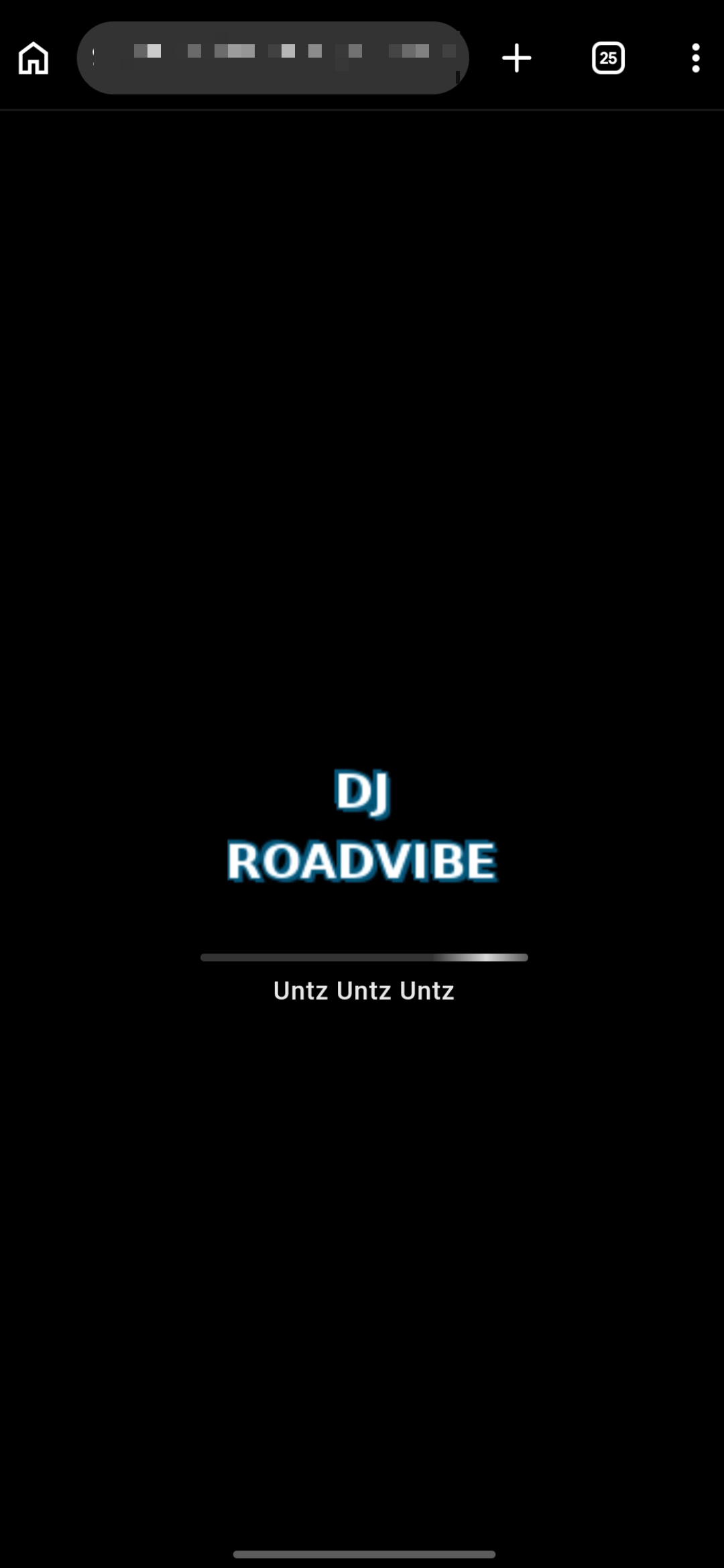
You can also customize the text shown below the loading bar, so guests see your name, a welcome message, or anything else you want to put in front of them right from the start.
Create, Browse, And Reuse Themes
Themes are reusable. Once you build one, you can apply it to any event you create going forward. You can build as many themes as you like, which makes it easy to maintain a signature look for your regular gigs while also creating custom themes for one-off events like weddings.
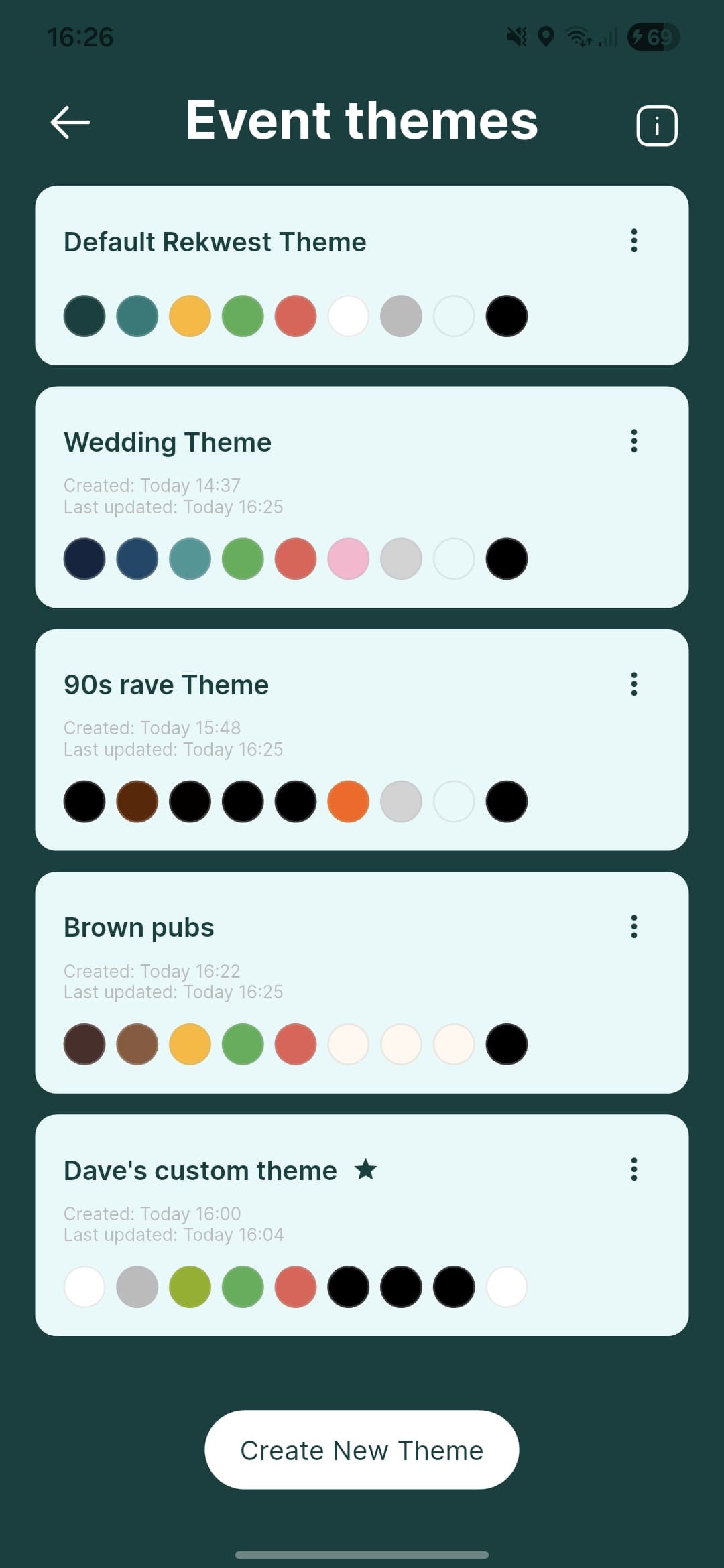
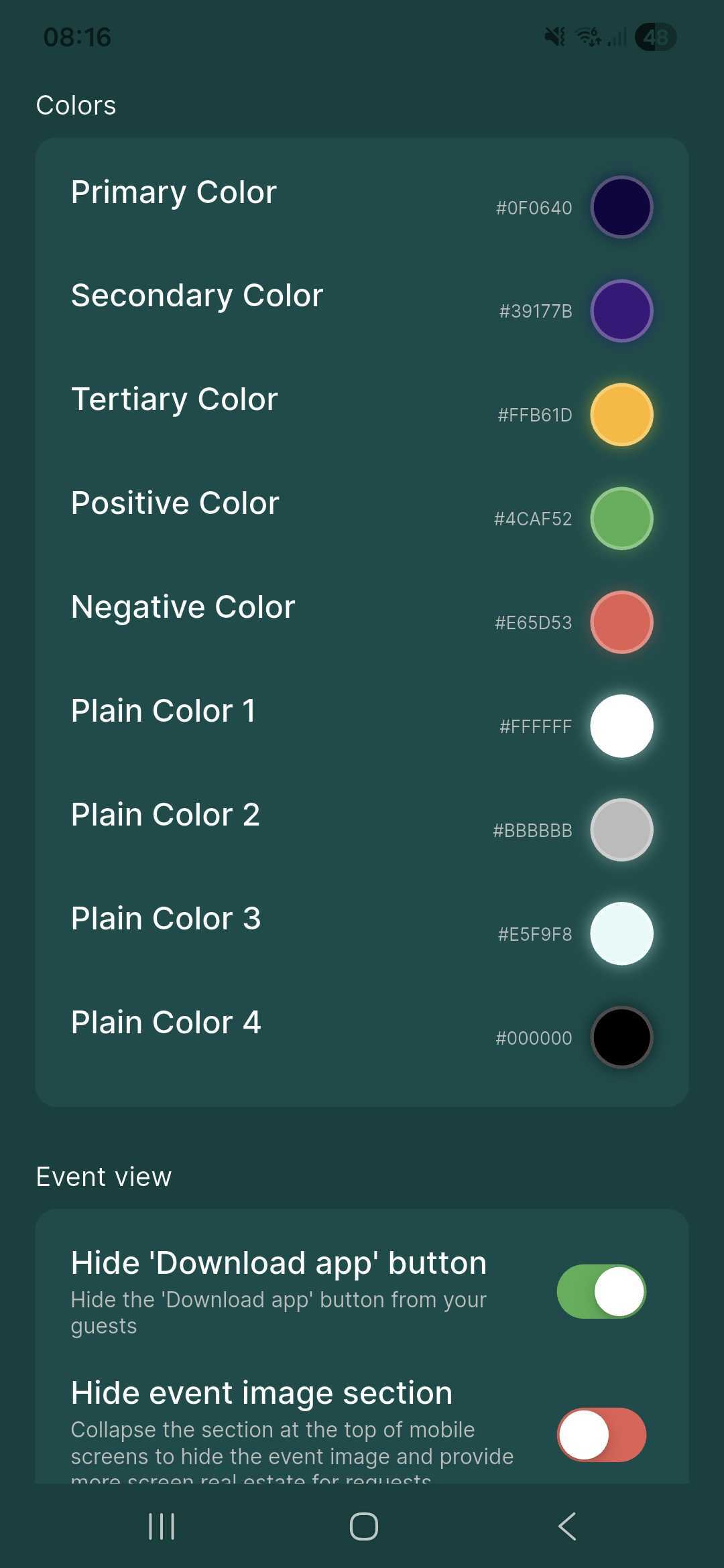
You can mark any theme as your default, so it is pre-selected whenever you create a new event.
Fine-Tune The Layout
Beyond colors, themes let you adjust specific layout elements that affect how guests experience your event.
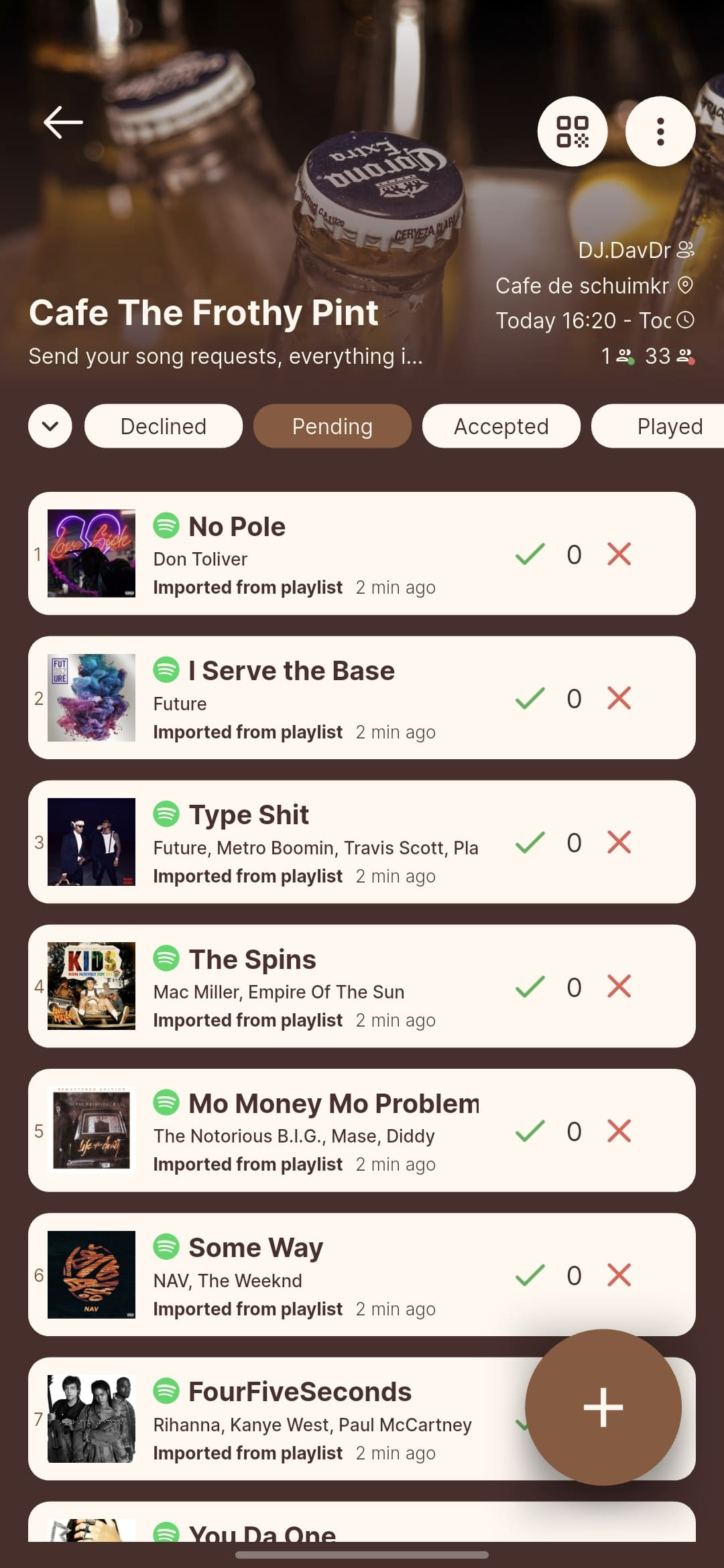
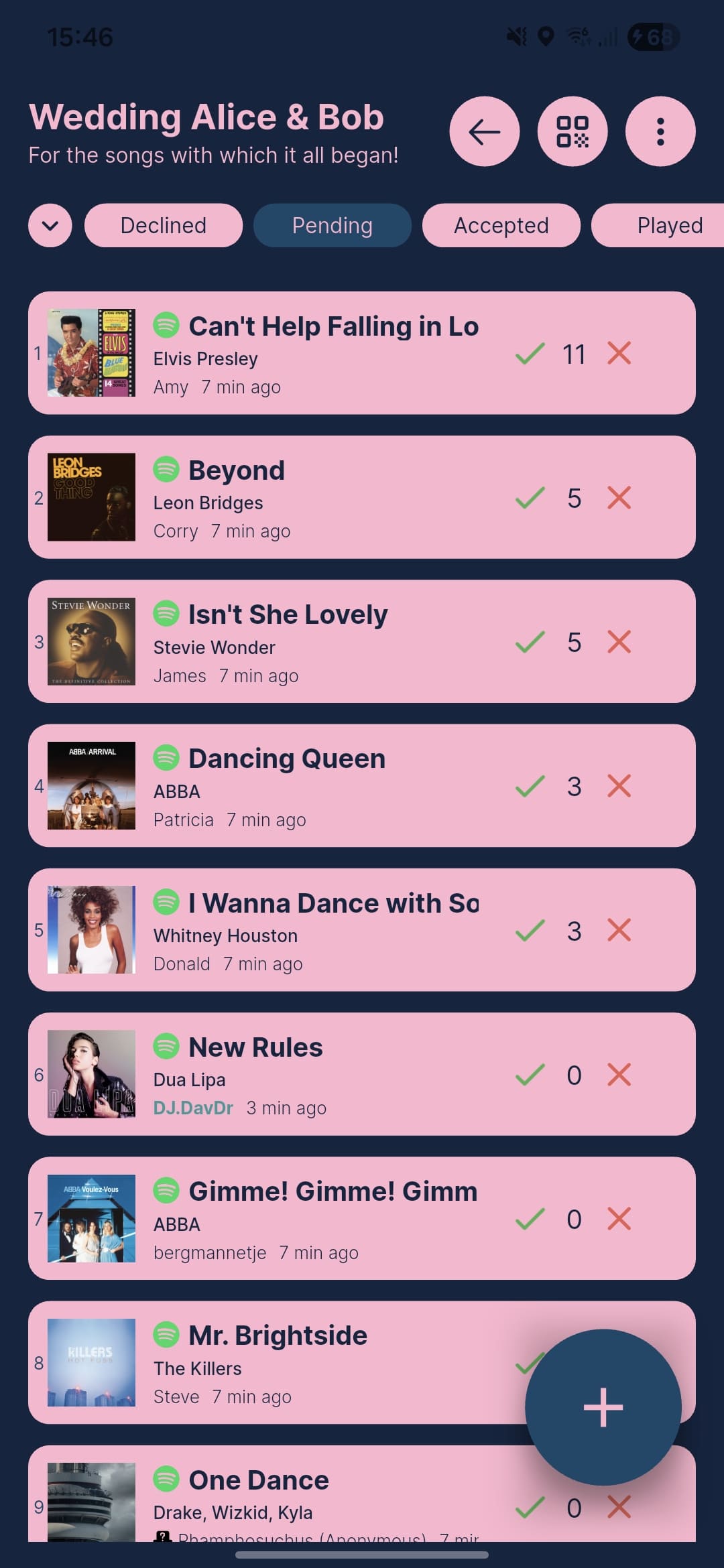
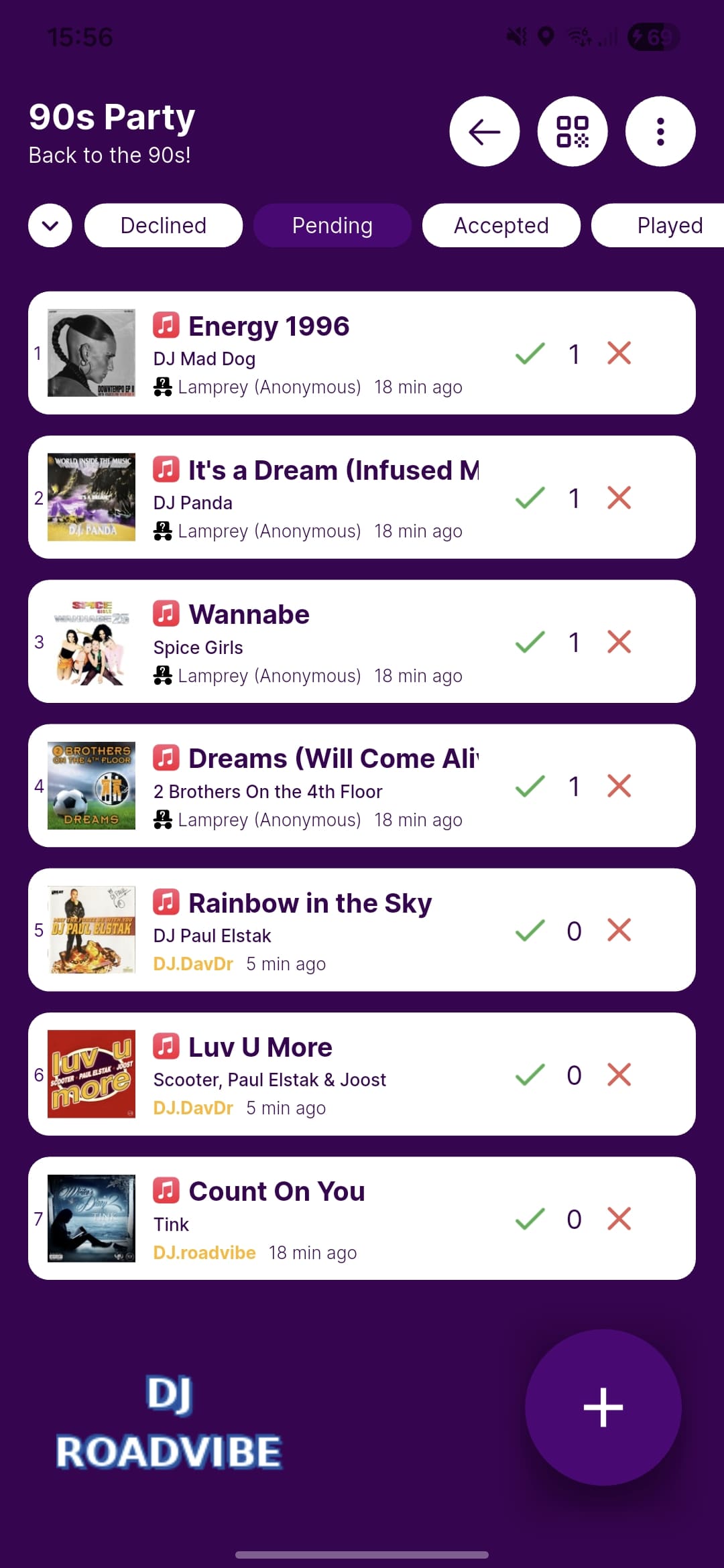
You can hide the “Download App” button that normally appears at the top of the guest screen, keeping the interface clean and focused on your event. On small devices, you can collapse the cover image by default so guests get more screen space. You can also show your custom logo in the bottom left corner of the requests list, giving the whole interface a fully branded feel.
Additional Whitelabeling Options Per Event
On top of themes, each event has its own whitelabeling settings that go even further.
Lock guests to the event to prevent them from navigating away. This hides back buttons and blocks any paths that would take guests outside of your event, keeping the focus exactly where you want it.
Skip the requests list entirely and send guests straight to the request creation page the moment they join. This removes an extra step and gets songs coming in faster.
Perfect For Any Type Of Performer
Theming and whitelabeling are built for anyone who wants their events to look polished and intentional:
- DJs and performers who want a consistent, professional look across every show
- Wedding DJs who want to match each couple’s color palette and branding
- Venues and clubs with specific brand guidelines to follow
- Anyone who wants their event to feel like a custom-built application rather than a third-party tool
Check out the Theming & Whitelabeling documentation to get started.